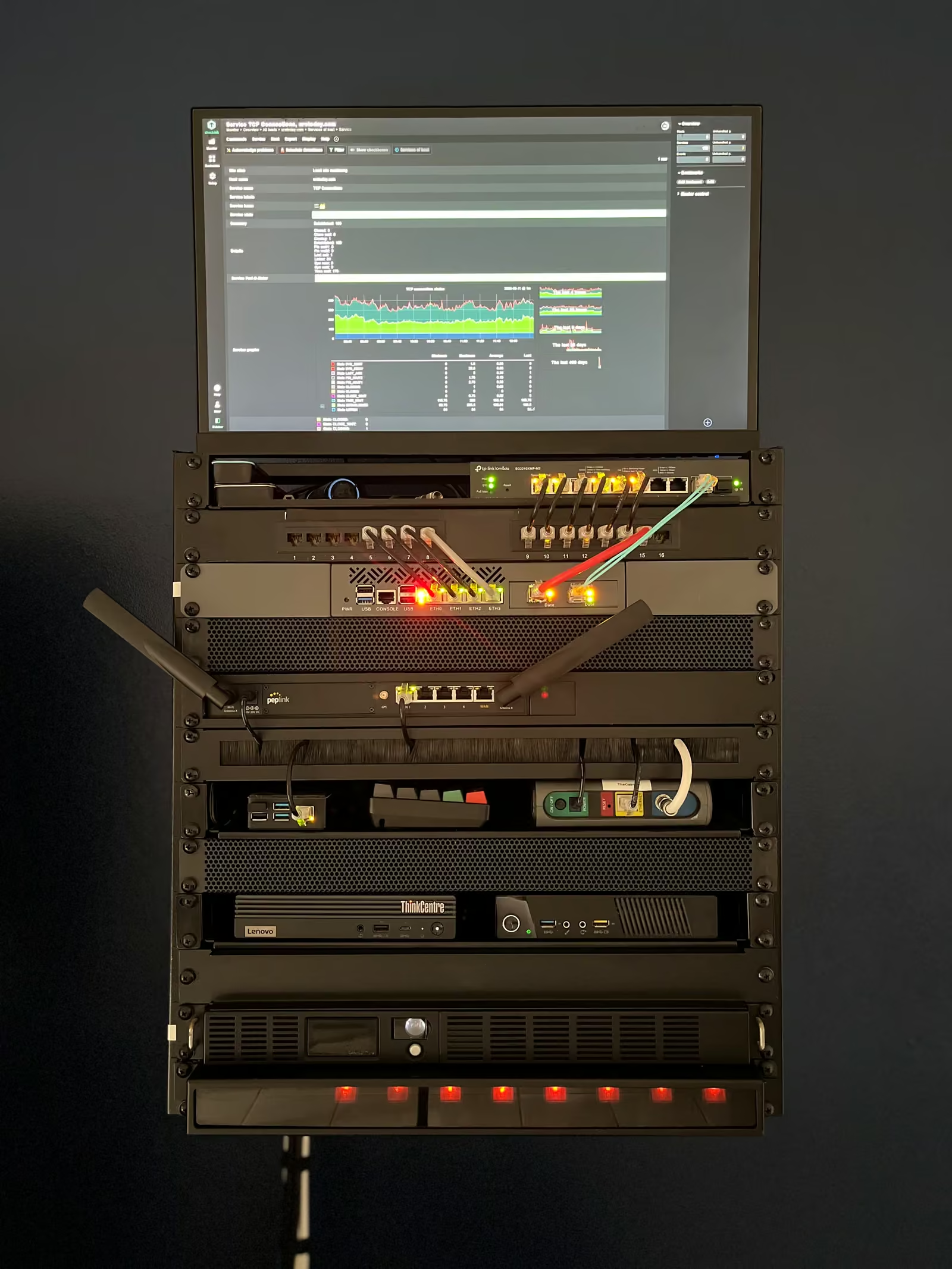
Homelab
I happened to chance upon the homelab community whilst trying to setup NocoDB a self-hosted, no-code database solution for my workplace.
The merits of owning your data and building outside a typical price tiered SaaS model would be obvious for anyone paying The application is primarily distributed through docker and because I need it accessible to my team it had to run on my office’s on-prem server running Linux.
The setup was intimidating, to say the least. My working knowledge of the terminal in a POSIX environment was limited to changing directory, printing working directory, installing python and activating a virtual environment.
But I was wildly uninitiated to the world of containerization. I had heard of docker, but I was unable to wrap my head around why anyone would want to develop and run applications on it.
Eventually, it clicked. Nana Janashia’s tutorials proved to be an indispensable resource.
With some tinkering, I ended up figuring out how I can customize the docker compose files with a recommended stack of tools that could reliably run multiple workers, run an efficient database volume bound to my host machine, and manage cache.
The learning experience felt like a super power, like I could access dive further into the open source community and build things on hardware I owned and managed with software that was
The current state of my homelab setup is a reflection of my needs and my constraints. I have seen some really expensive
I have spent the last year tinkering with and assembling tools for my work. In the process, I learned a bit about docker, self-hosted servers, and ways to deliver those services to users.
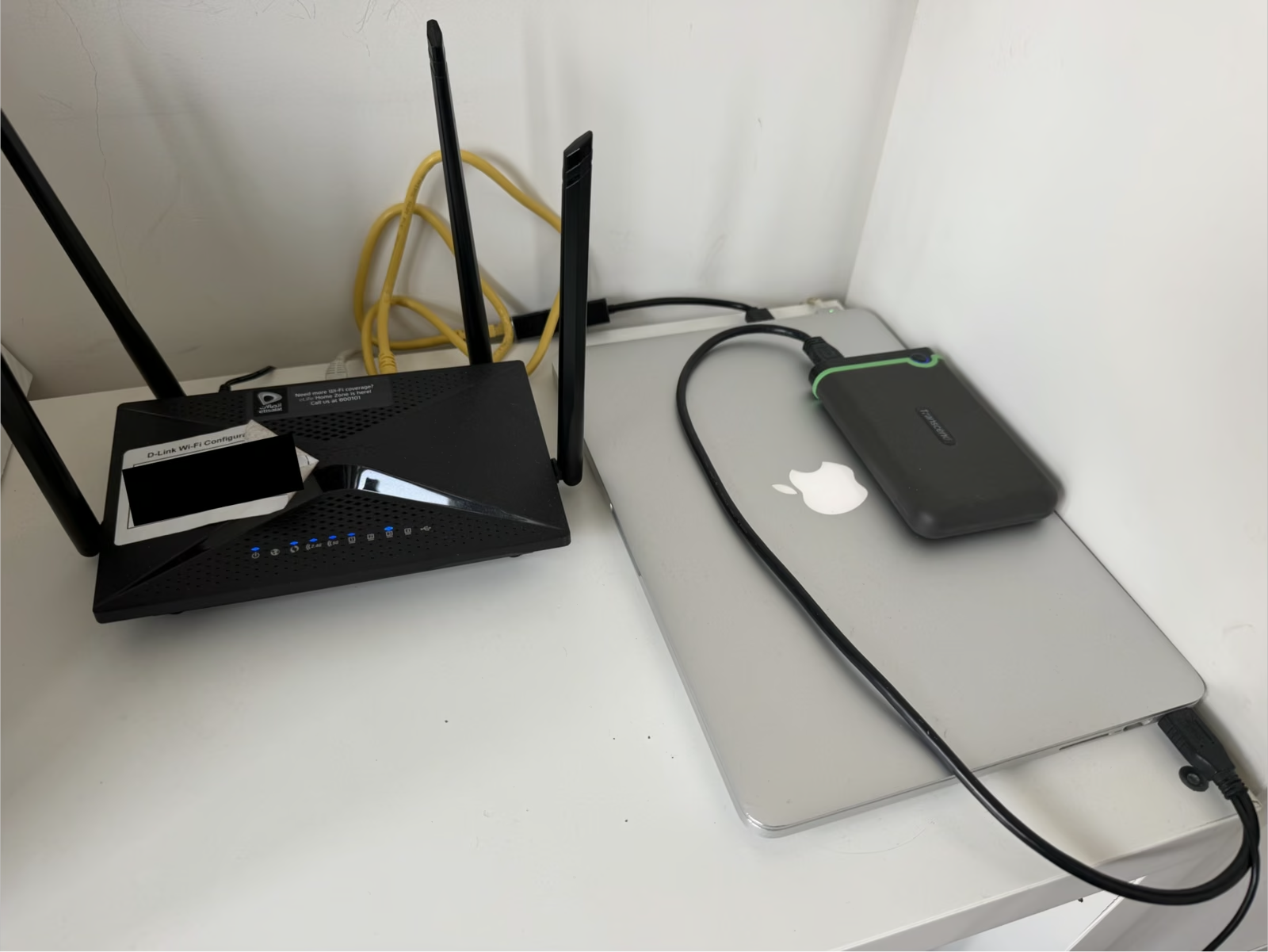
Eventually, I decides I could repurpose my old macbook, run services through this always-on computer, and take the load of my daily driver to run everything from media, adblocker, and remote development.
Here is a snapshot of my service right now:
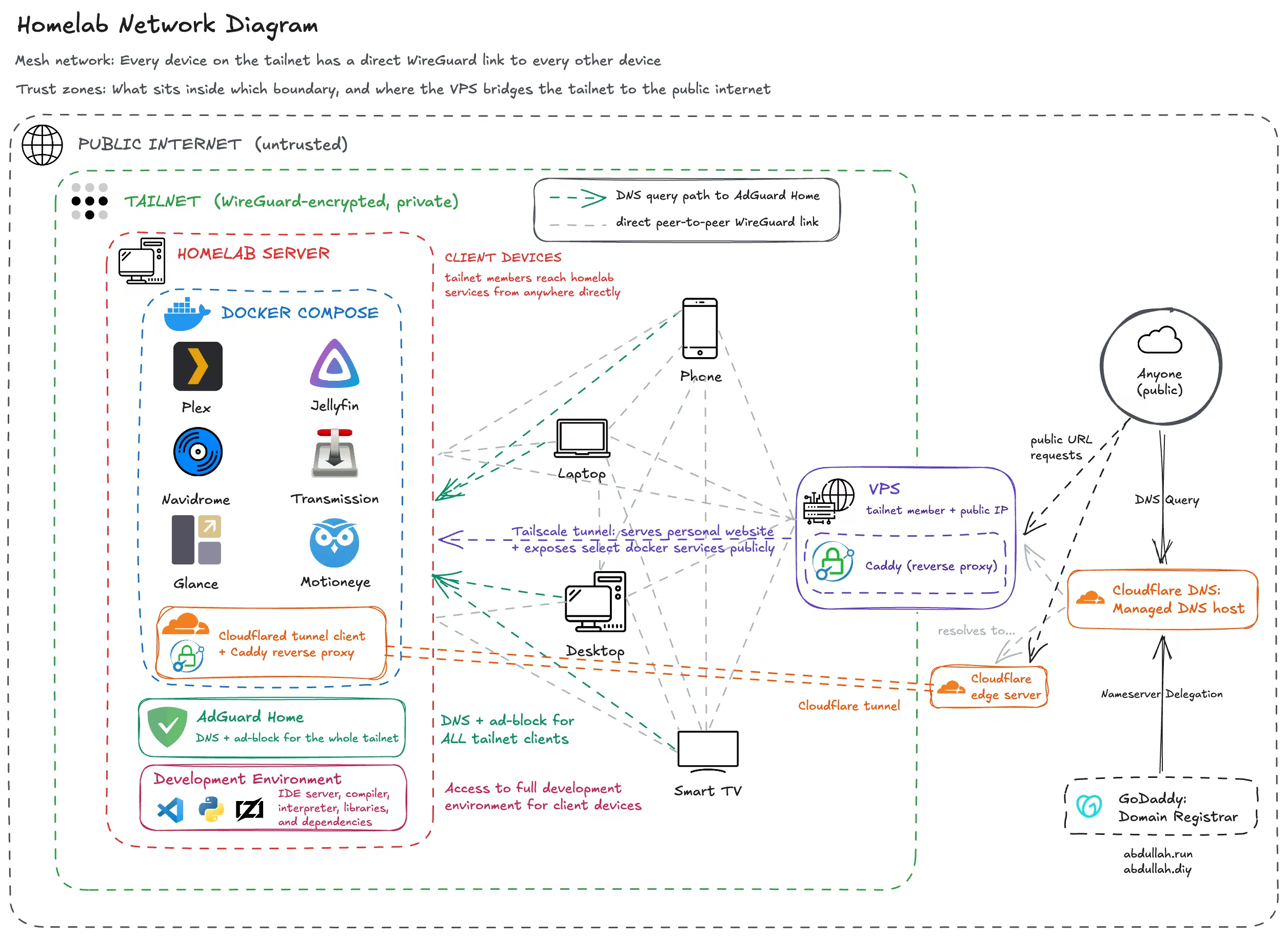
You can find details of my docker services on my homelab repo.
Which can be used along with my dotfiles repo (git switch homelab)
to setup your own homelab. Dotfiles repo setups Docker, Tailscale, samba and other configurations
on a fresh Linux Ubuntu machine.
In my case, because I am using a laptop, it sets a lid switch config to allow the laptop run in clamshell mode.